Releases /
New connections to Box, Lucid, and more – bringing additional context and transparency to Notion
See external files, designs, and tasks in Notion with new link previews
Paste a link from Box, Lucid, Linear, and GitLab to see previews that automatically update in Notion.
Bring in files from Box – like a spreadsheet containing next year’s forecast models, or images for a marketing campaign – directly in Notion, so your team can see all the files they need for a project in a single place.
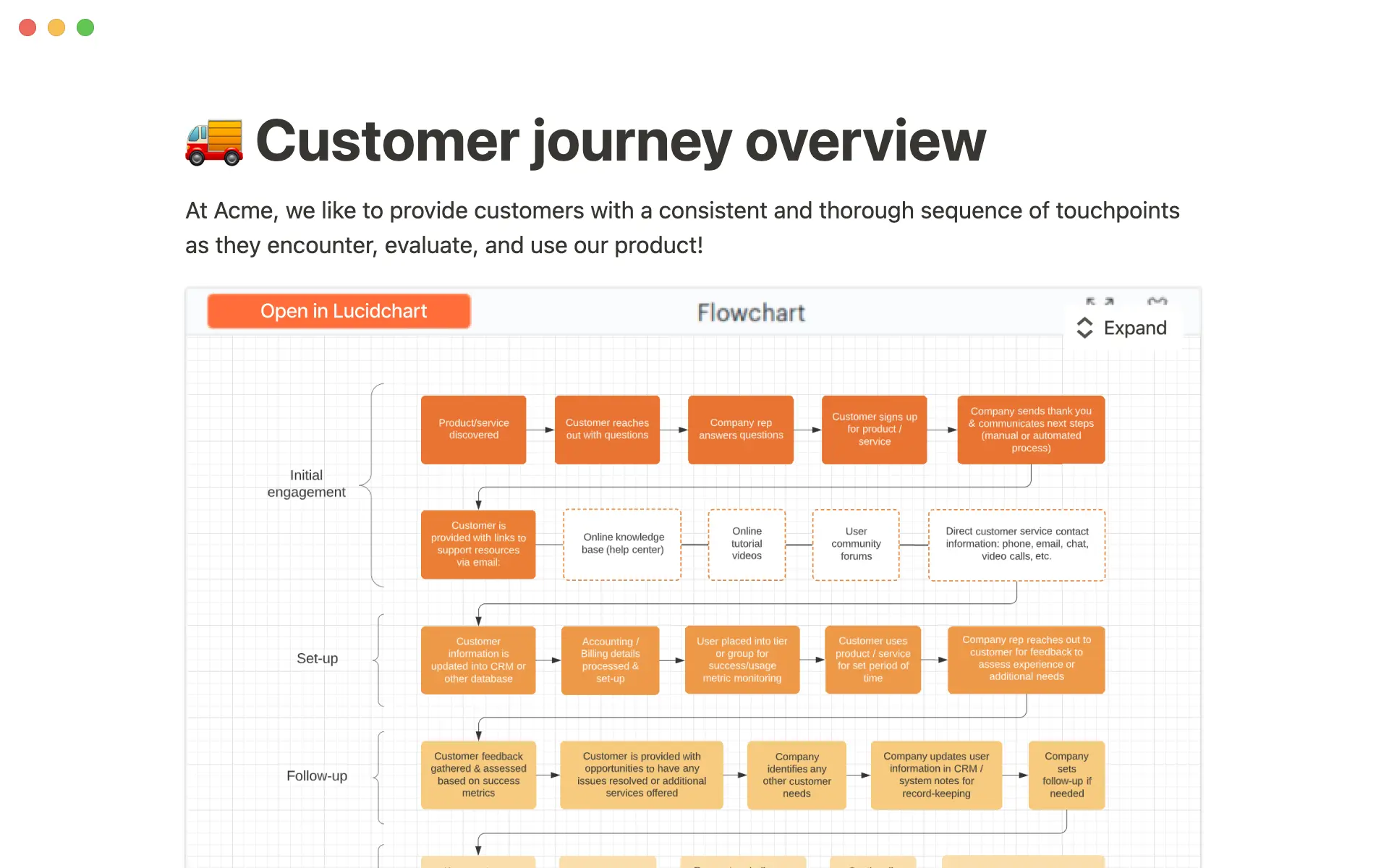
Preview your latest whiteboard brainstorm and product designs from Lucidchart and Lucidspark in Notion, giving your team the context they need to spec out the next stage of a project.
View the latest status updates from Linear tasks in Notion, keeping your team on the same page as projects progress from one milestone to the next.
Link to a GitLab Merge Request, so that your team can see the latest status update in Notion.
If you’re a developer interested in building a link preview with Notion, fill out this form →
Synced Databases, now with support for GitLab and Asana
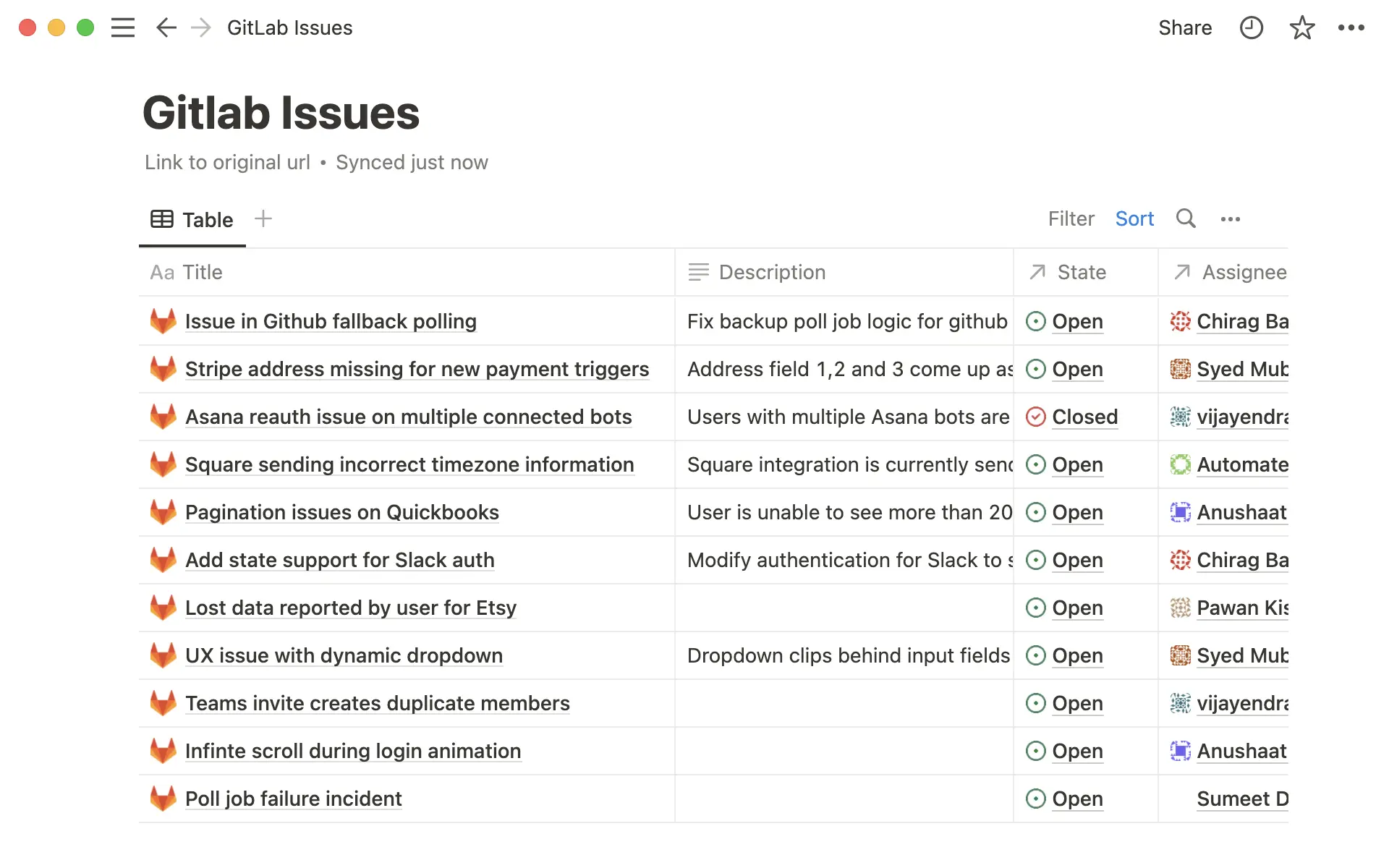
See up-to-date information from GitLab and Asana in a Synced Database (currently in open beta). To get started, paste a link to a GitLab repository or Asana project directly into Notion, and see it rendered as a Notion database.
Use database filters to share custom views of Asana projects and tasks, so that everyone can see the status of a project even if they don’t have an Asana log-in.
Connect GitLab Merge Requests to your task database in Notion, and give team members across your company an up-to-date view of the status – all without leaving Notion.
Bug fixes & improvements
Made it easier to create a new property while searching for a property type in a database
For new API features & improvements, go to developers.notion.com/changelog →


